

01
Find
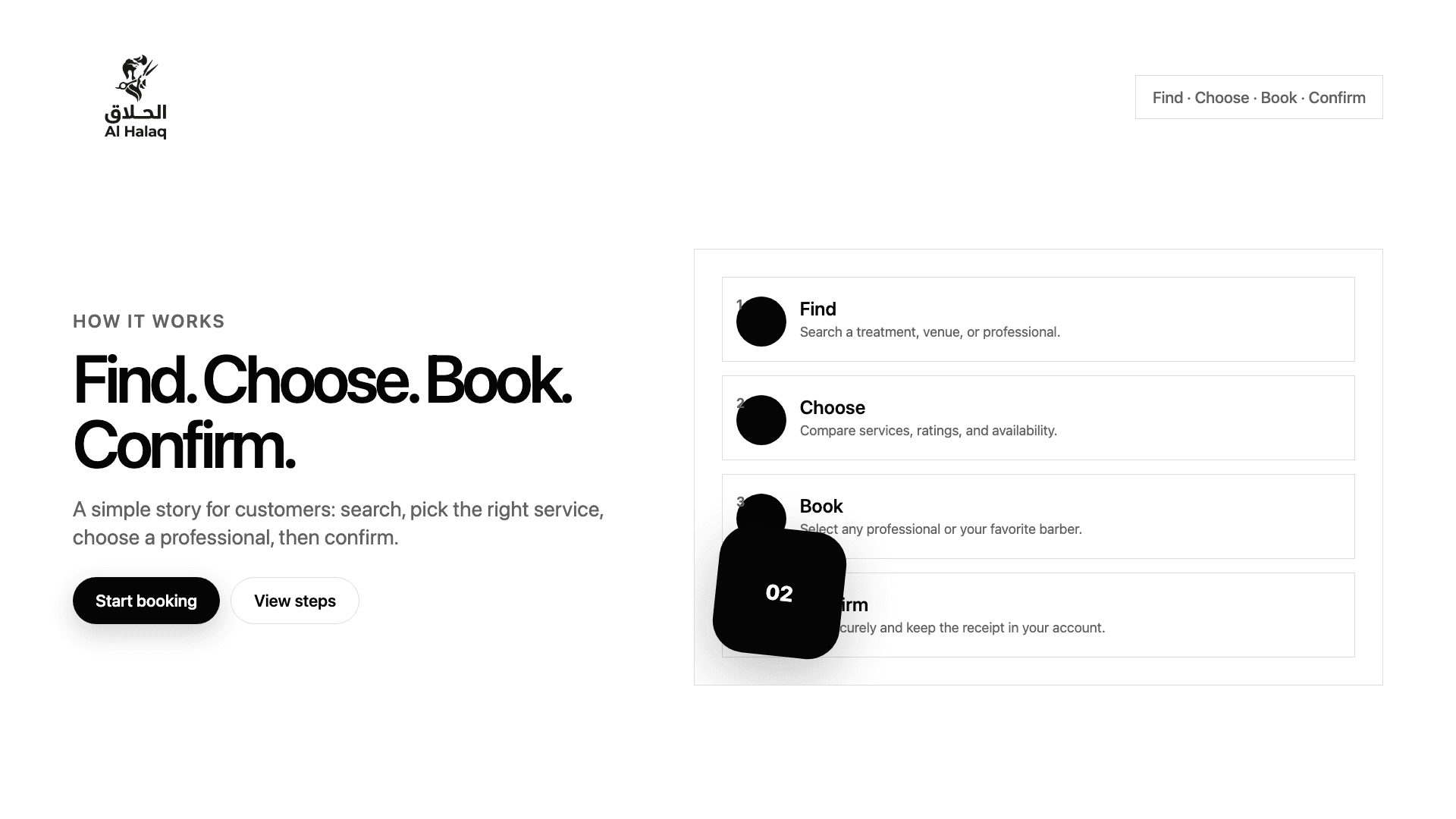
Search a service, venue, or professional and compare the options around you.
How it works
A simple booking path for customers who want the right service, a clear time, and a receipt they can trust.
01
Search a service, venue, or professional and compare the options around you.
02
Pick a service, choose any available professional or a favorite, then select a time.
03
Sign in with your Omani number, review the total, and confirm the booking.
04
Keep the booking, receipt, wallet status, and review link in your account.
Short explainer
The animation stays muted and optional. Booking pages themselves remain static and fast.
Yes. Searching, comparing, and booking are free for customers.
Yes — cancel at least 24 hours before the appointment for a full refund to your Nyrevi wallet. Cancellations within 24 hours are non-refundable. Card reversals are handled by support for disputes only.
Yes. Choose any available professional for the most flexibility, or select a specific professional when you prefer one.
After a completed booking, use the review link from WhatsApp or your account booking detail.
Start with a service or venue and keep the rest of the flow simple.
Search Nyrevi